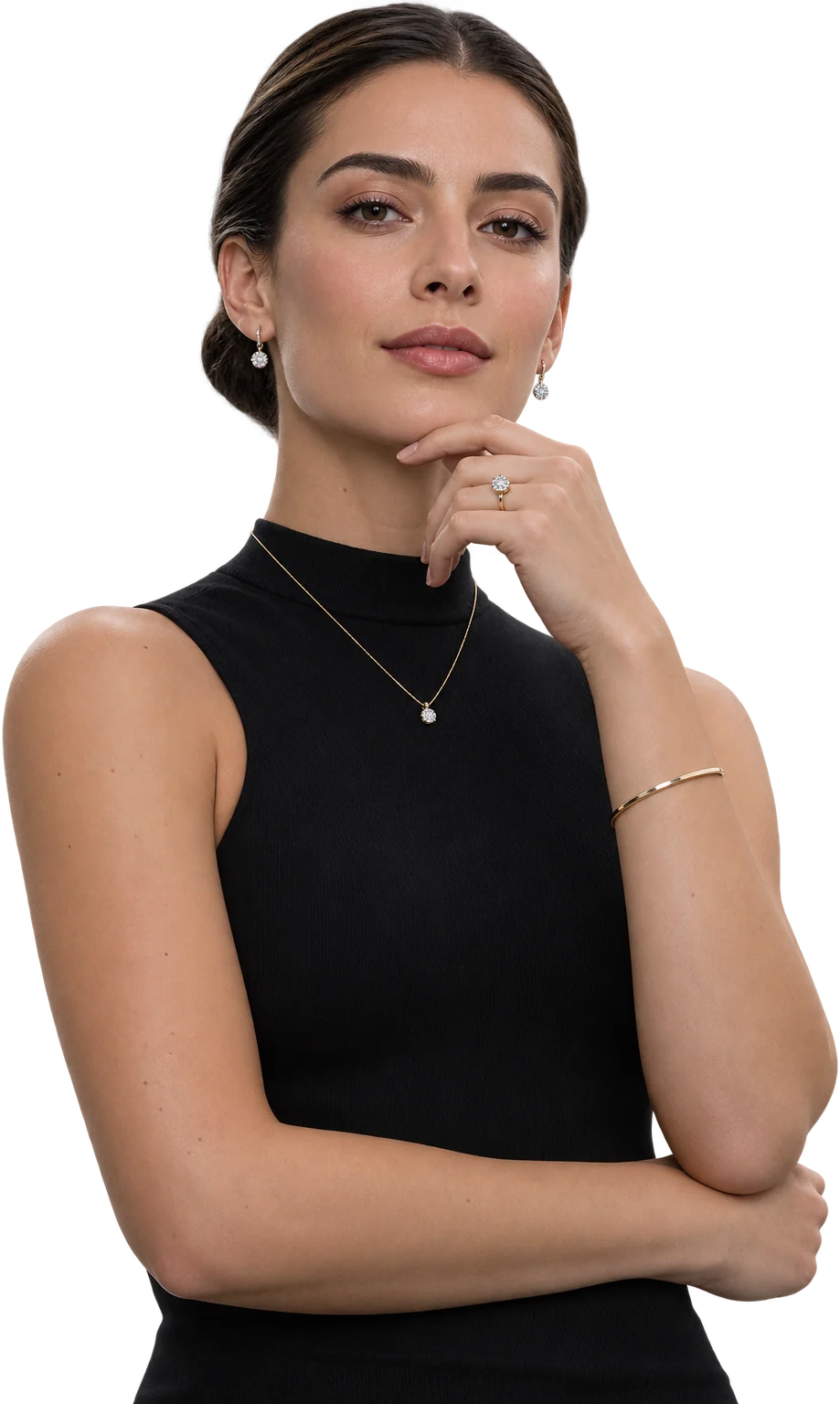
Jewelry product photos from a phone snapshot.
Jewelry is one of the hardest things to photograph: small, reflective and full of detail. Take a quick photo of the piece, choose a backdrop and light, and get a clean, sharp product shot for your shop, catalog or marketplace listing.
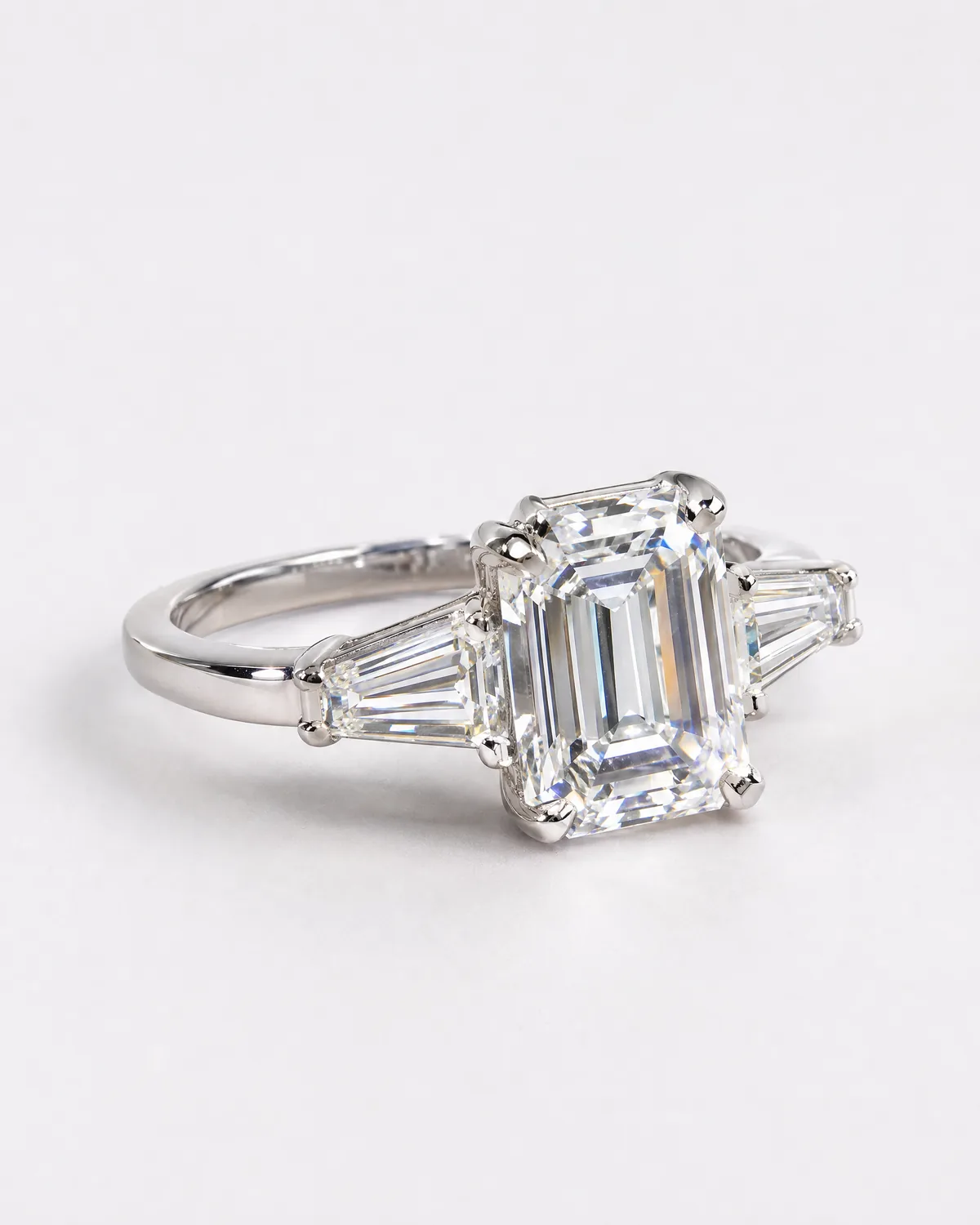
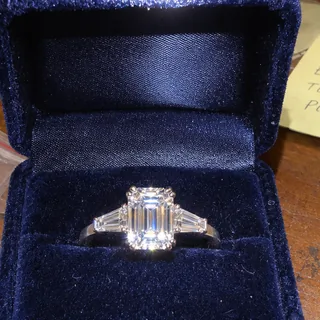
A product shot in three steps.
- Snap the pieceAny clear phone photo works, even on a cluttered desk or in a ring box. Add up to five photos from different angles.Open the studio
- Pick the backdrop and lightSix backdrops, from seamless studio white to black marble and velvet, and five lighting styles, from a soft box to dramatic low-key light.Open the studio
- Download for every channelSquare for marketplaces, portrait for social media, landscape for banners. Product shots can also have a transparent background.Open the studio
Snapshots in, product shots out.
Each image was made in the studio from the phone photo pinned in its corner, with no retouching.
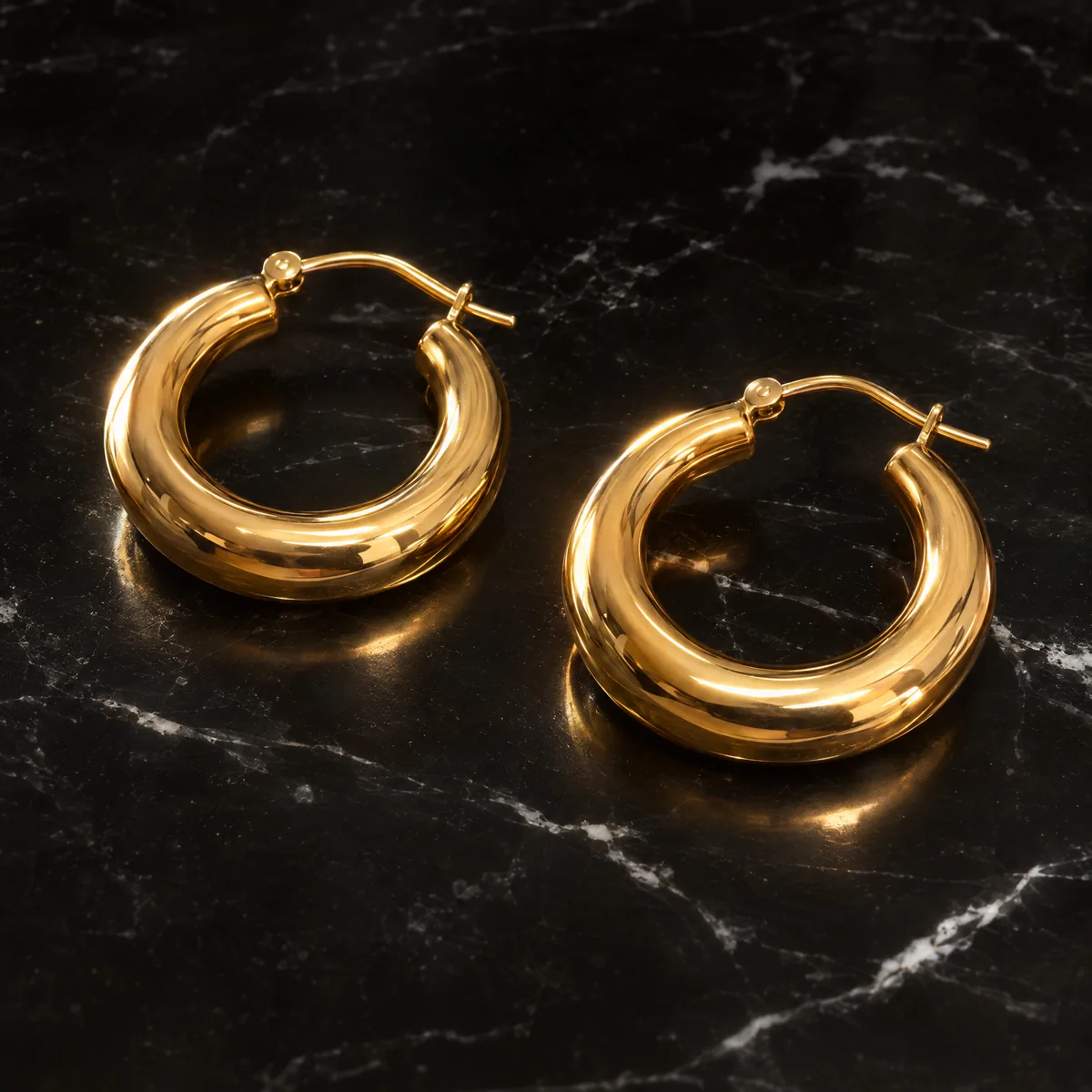
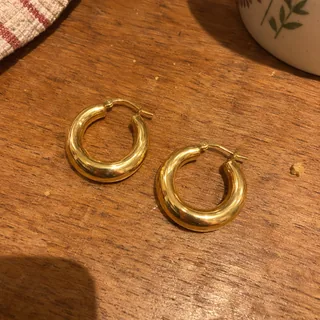
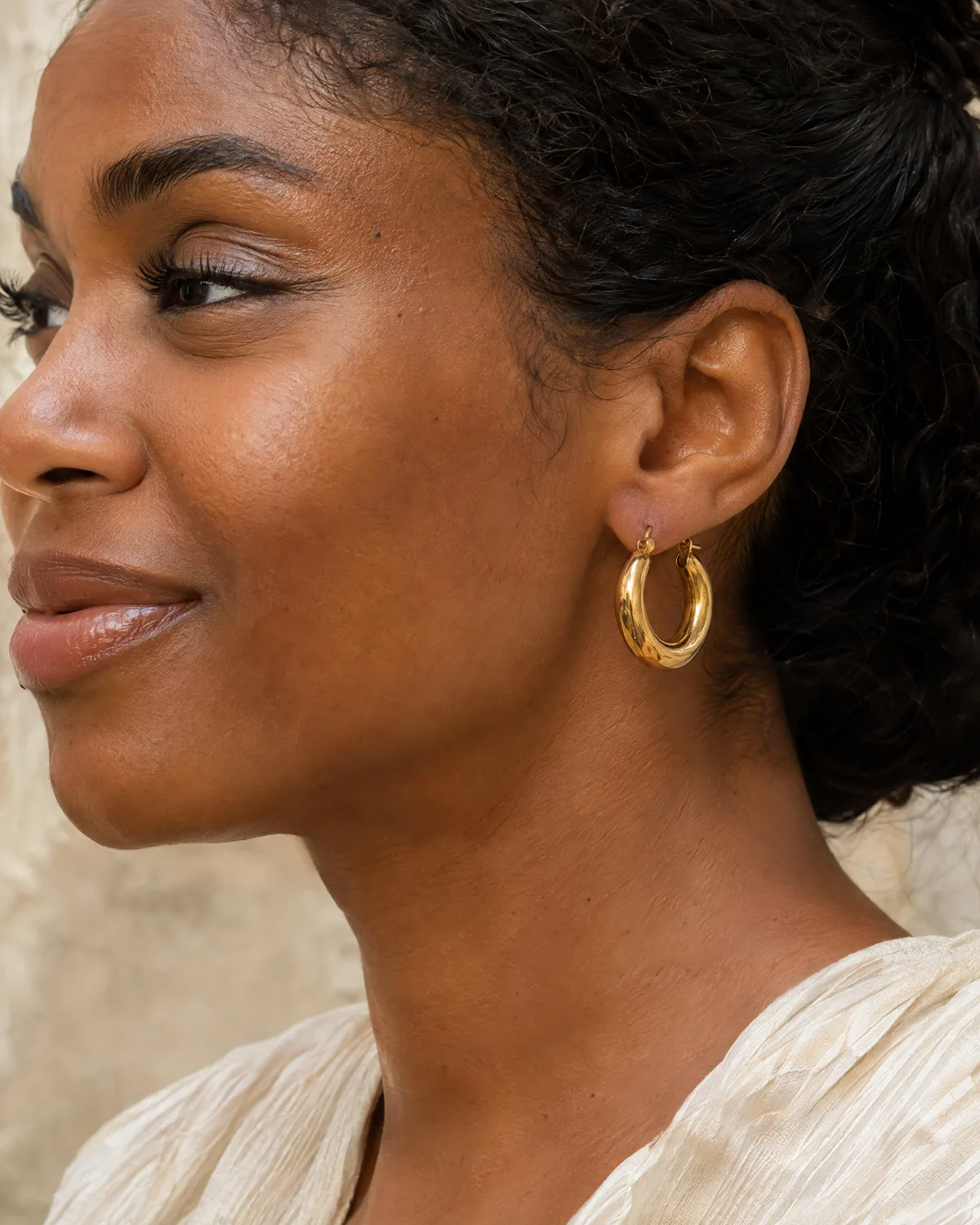
Product shotGold hoop earrings on polished black marble with rim lighting 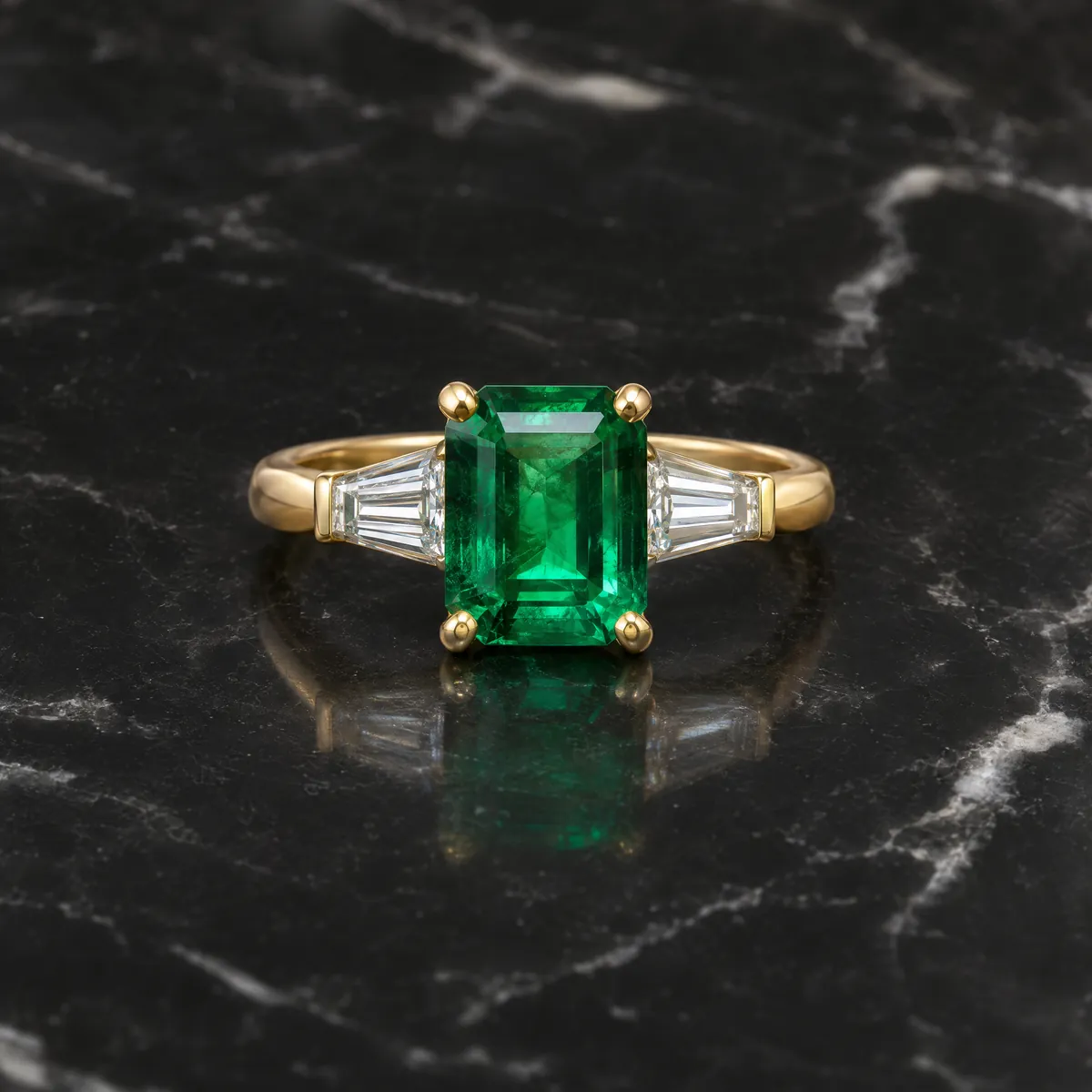
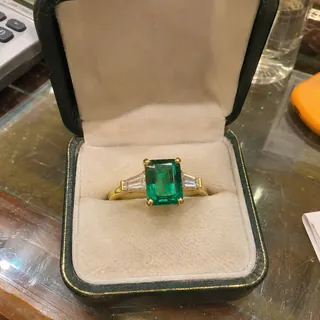
Product shotEmerald-cut emerald ring on polished black marble
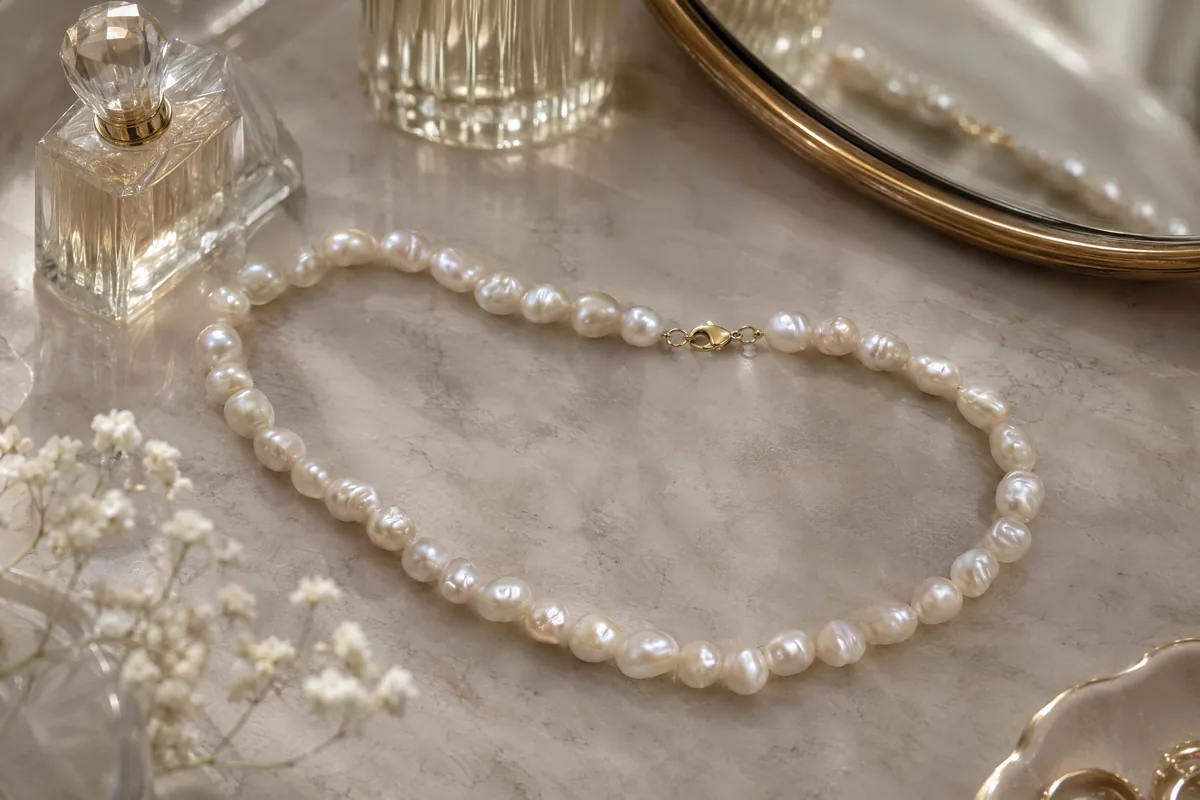
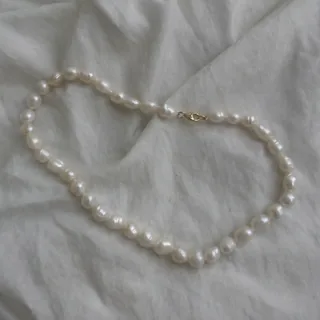
Lifestyle scenePearl necklace on a dressing table in soft daylight 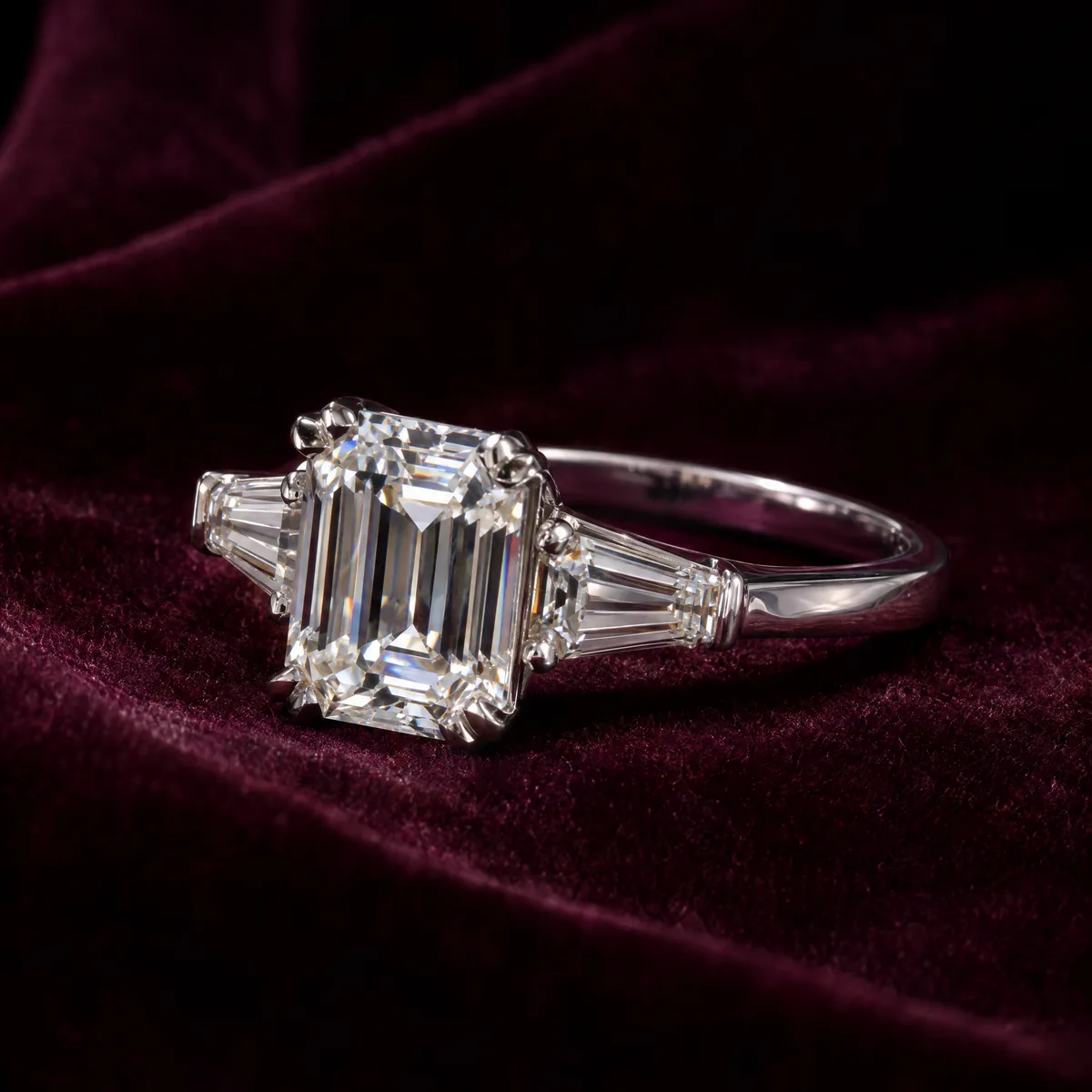
Product shotThree-stone ring on deep velvet in dramatic light
Why jewelry is hard to photograph
Small pieces need macro lenses, polished metal reflects the room and the photographer, and stones only sparkle under carefully placed light. A professional shoot solves this, but it takes time to book and is usually priced per image.
Pronglight generates a new photograph instead of editing yours, so the reflections, shadows and backdrop are created for the shot. Your photo only has to show the design clearly.
Backdrops and lighting
- Seamless studio white or a soft neutral gradient for catalogs and marketplaces.
- Black or white marble for a premium, editorial look.
- Deep velvet or natural linen for warmth and texture.
- Soft box, rim, golden-hour, dramatic or natural daylight lighting.
Ready for your shop
Choose the shape each channel needs: square for marketplace listings, 4:5 for Instagram, 9:16 for stories and 16:9 for website banners. Max quality images are up to 2560 pixels on the long edge, High quality images up to 1280.
Marketplaces have their own image rules, such as a plain white background for the main image. Check them before you upload.
Questions about product photography.
Yes. Upload one to five photos of the piece, choose Product shot, pick a backdrop and lighting, and generate. The result is a new studio-style photograph of your piece.
Yes. You own the images generated for you and can use them commercially. Each marketplace sets its own rules, for example on backgrounds and on AI-generated images, so check them and make sure every image shows your piece accurately.
Yes. Choose the seamless studio white backdrop, or turn on the transparent background to download a PNG with nothing behind the piece.
High quality images are up to 1280 pixels on the long edge and cost 1 credit. Max quality images are up to 2560 pixels and cost 2 credits.
Most images are ready in a minute or two. You can leave the studio while they are made: finished images wait on your dashboard.
A High quality image costs 1 credit and a Max quality image costs 2. The Free plan gives you 10 credits every month with no card needed, and paid plans add more credits each month.
More ways to photograph your jewelry.
Your next collection, photographed today.
Create an account and get 10 credits, enough for ten High quality images. No card needed.