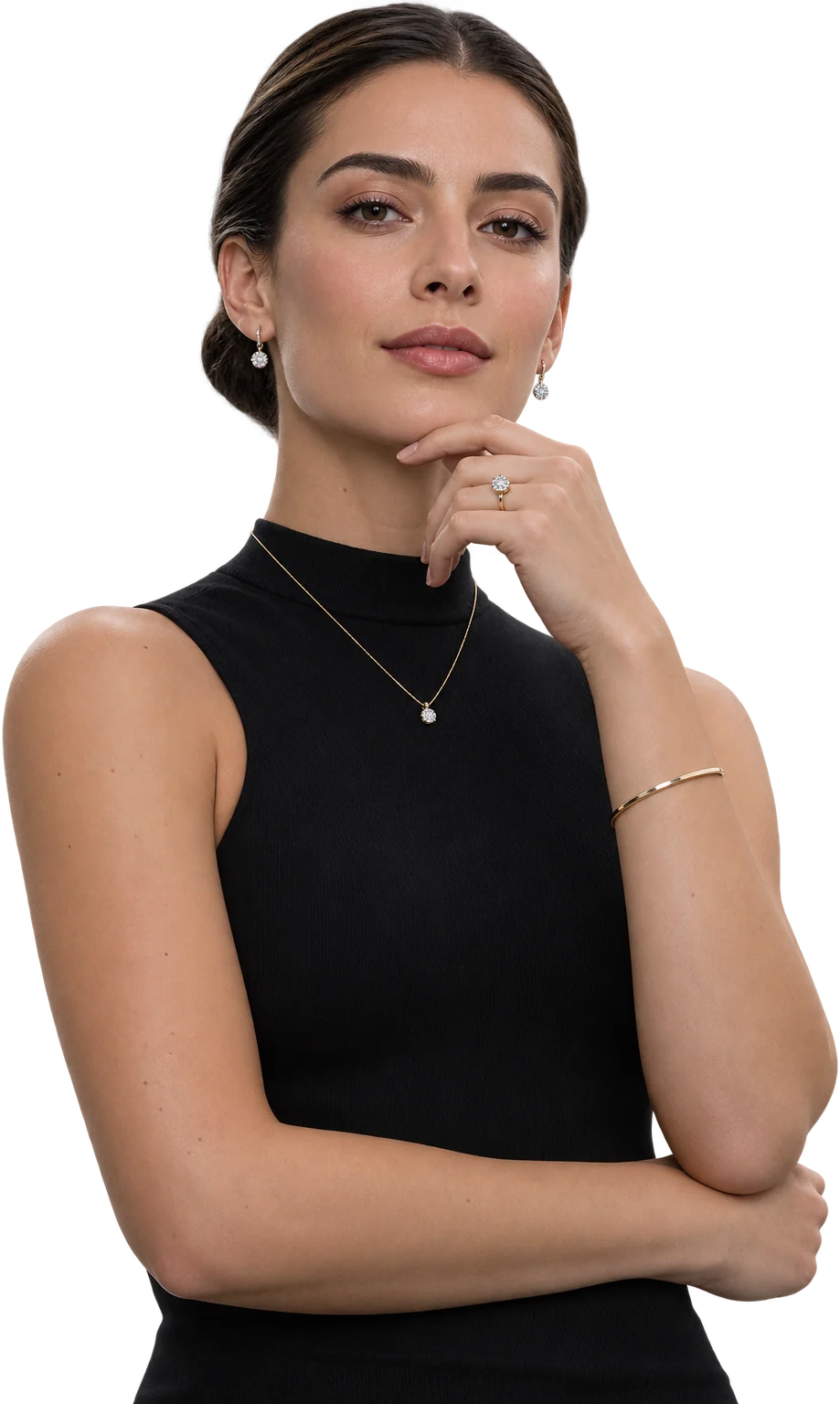
Turn a jewellery sketch into a photo.
Show a client, a buyer or your followers what a piece will look like before it is made. Upload a hand sketch of your jewellery and Pronglight turns it into a photorealistic product shot, try-on image or lifestyle scene.
From sketch to photo in three steps.
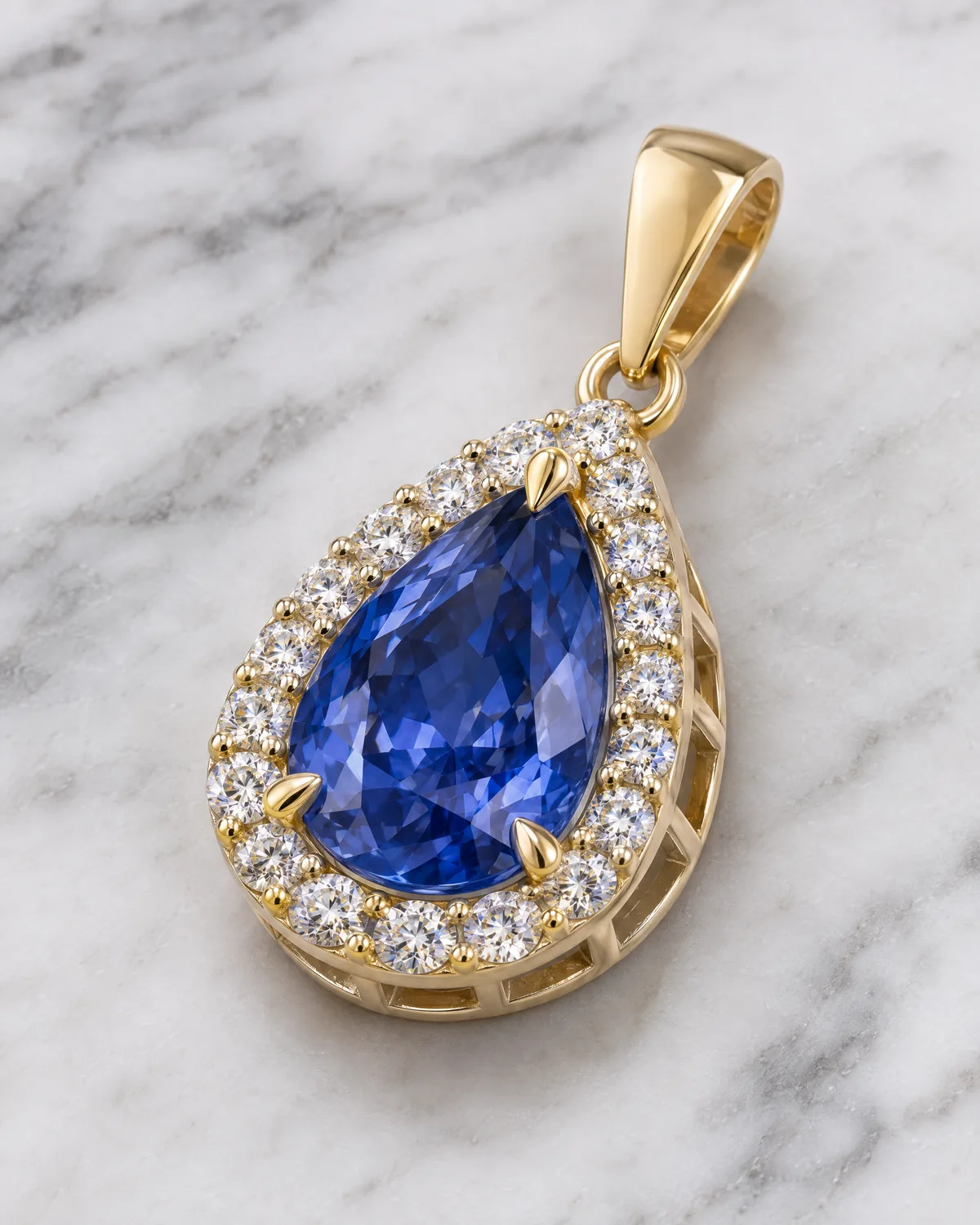
- Photograph or scan your sketchA clear phone photo of the page is enough. Add up to five images of the same piece, such as a front view and a side view.Open the studio
- Check what Pronglight seesBefore you spend a credit, the studio tells you what it reads in your sketch: the type of piece, its metal and its stones. If your sketch has no colour, name the metal and stones in the notes.Open the studio
- Choose the shot and generatePick a product shot, try-on, lifestyle scene or campaign shot, choose its shape and download the finished image.Open the studio
Sketches in, photographs out.
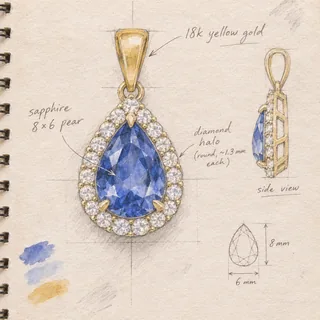
Each image was made in the studio from the sketch pinned in its corner, with no retouching.
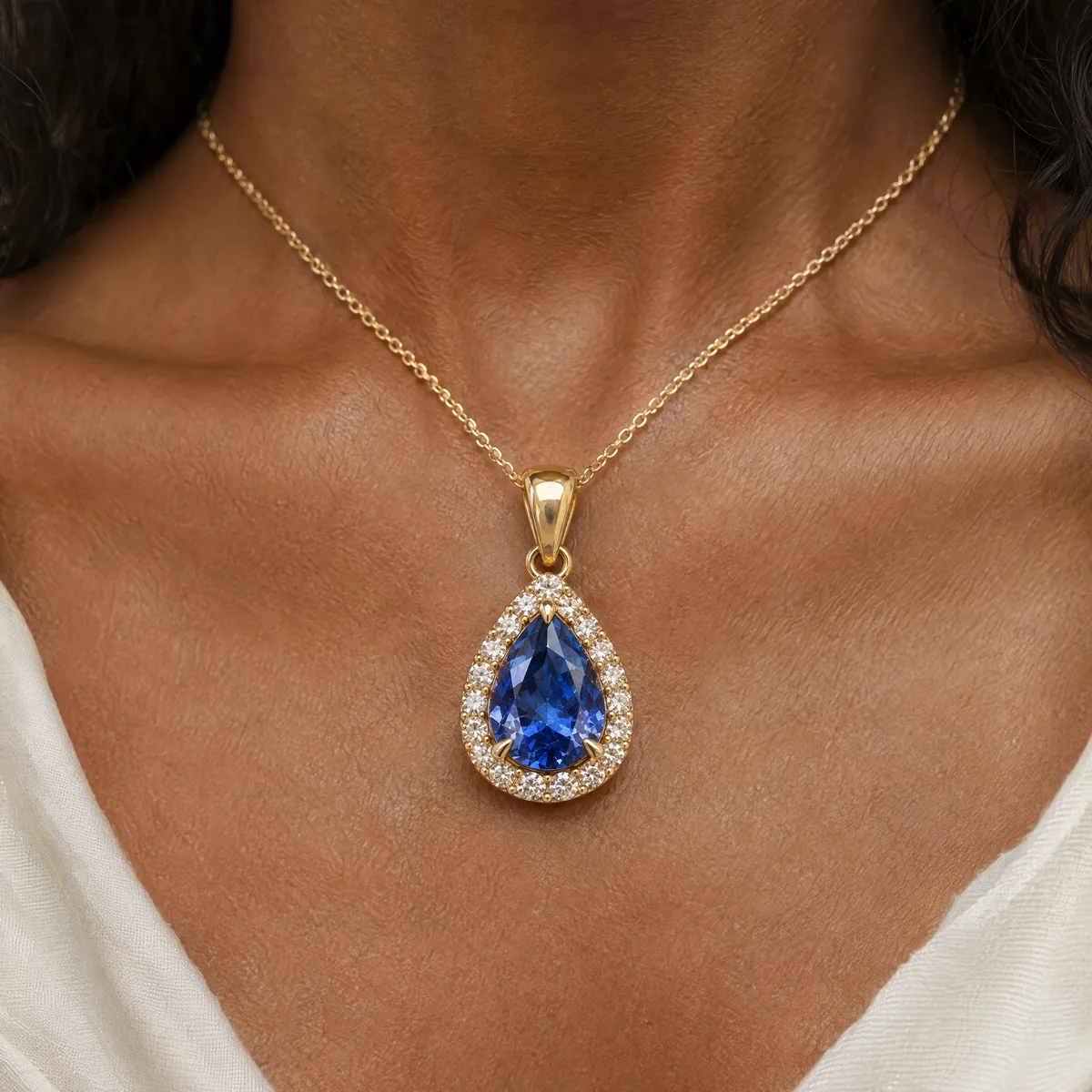
Try-onThe sapphire pendant worn at the neckline 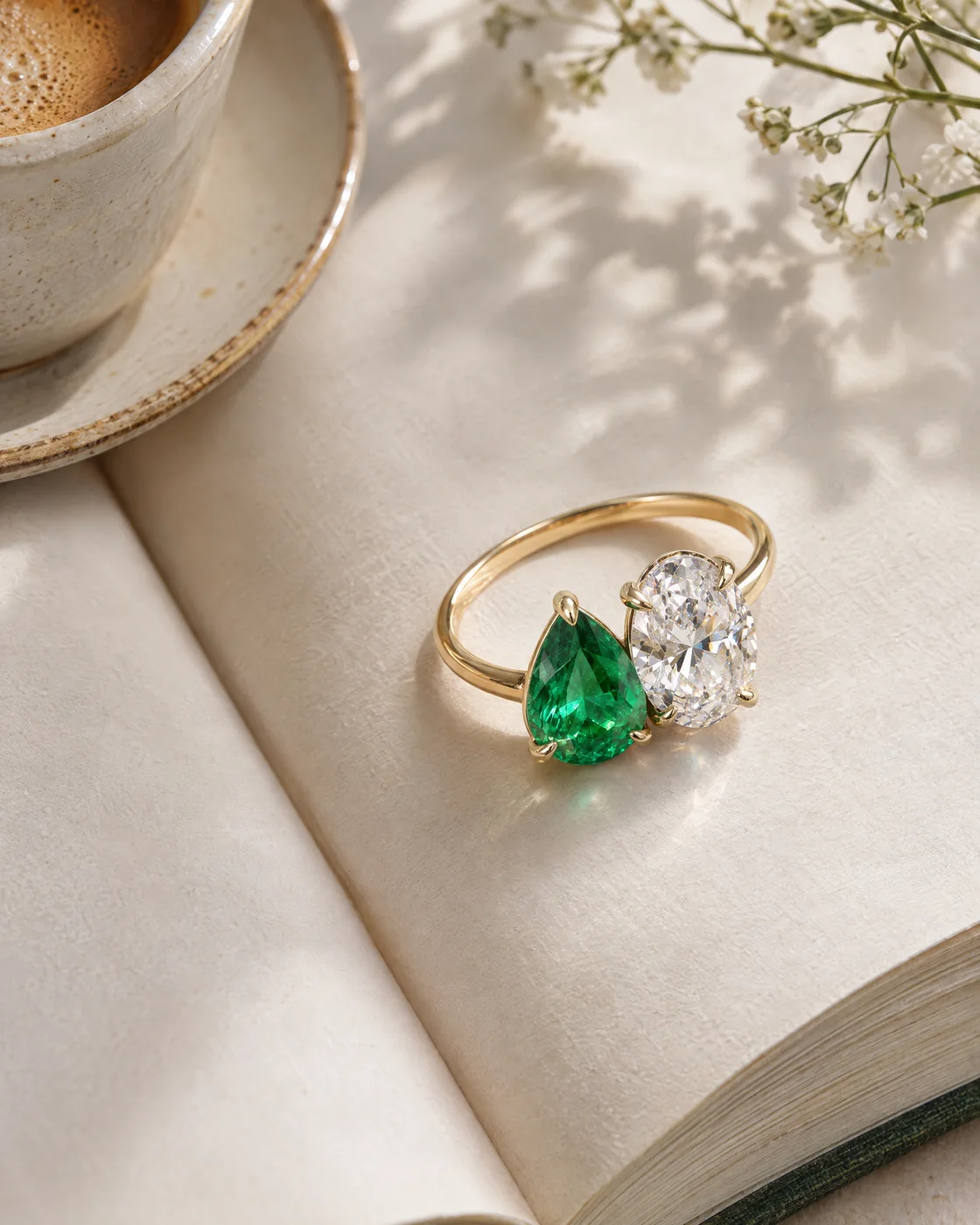
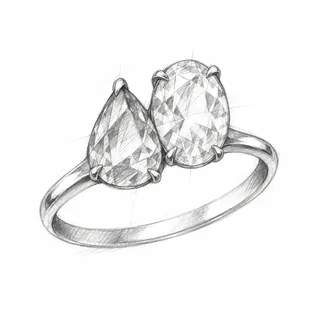
Lifestyle sceneTwo-stone ring on an open book beside a cup of coffee
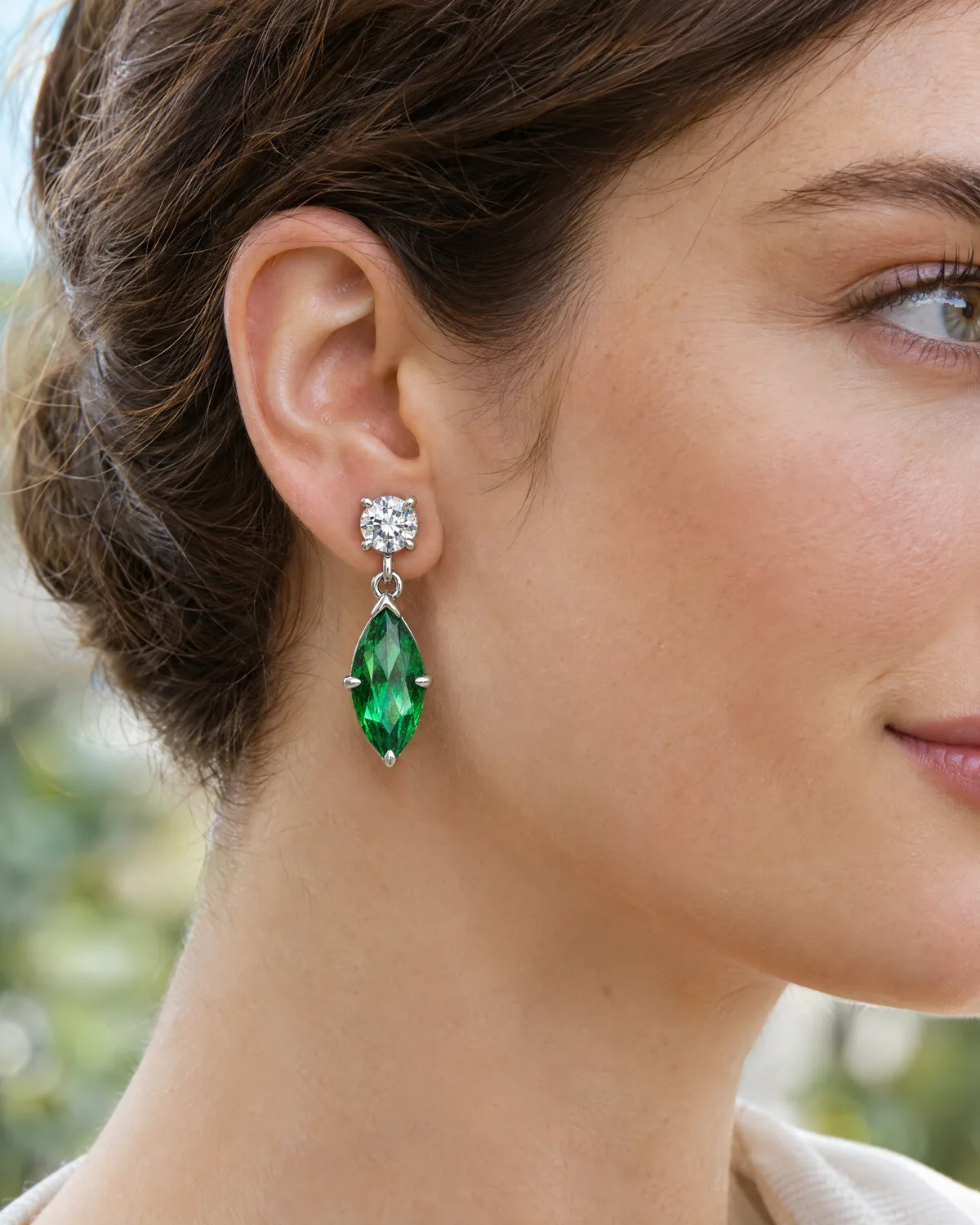
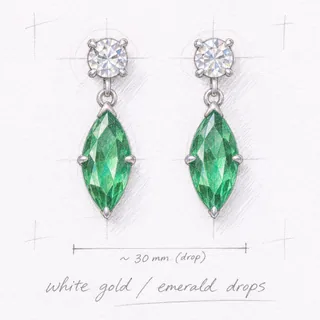
Try-onEmerald drop earrings in white gold, worn 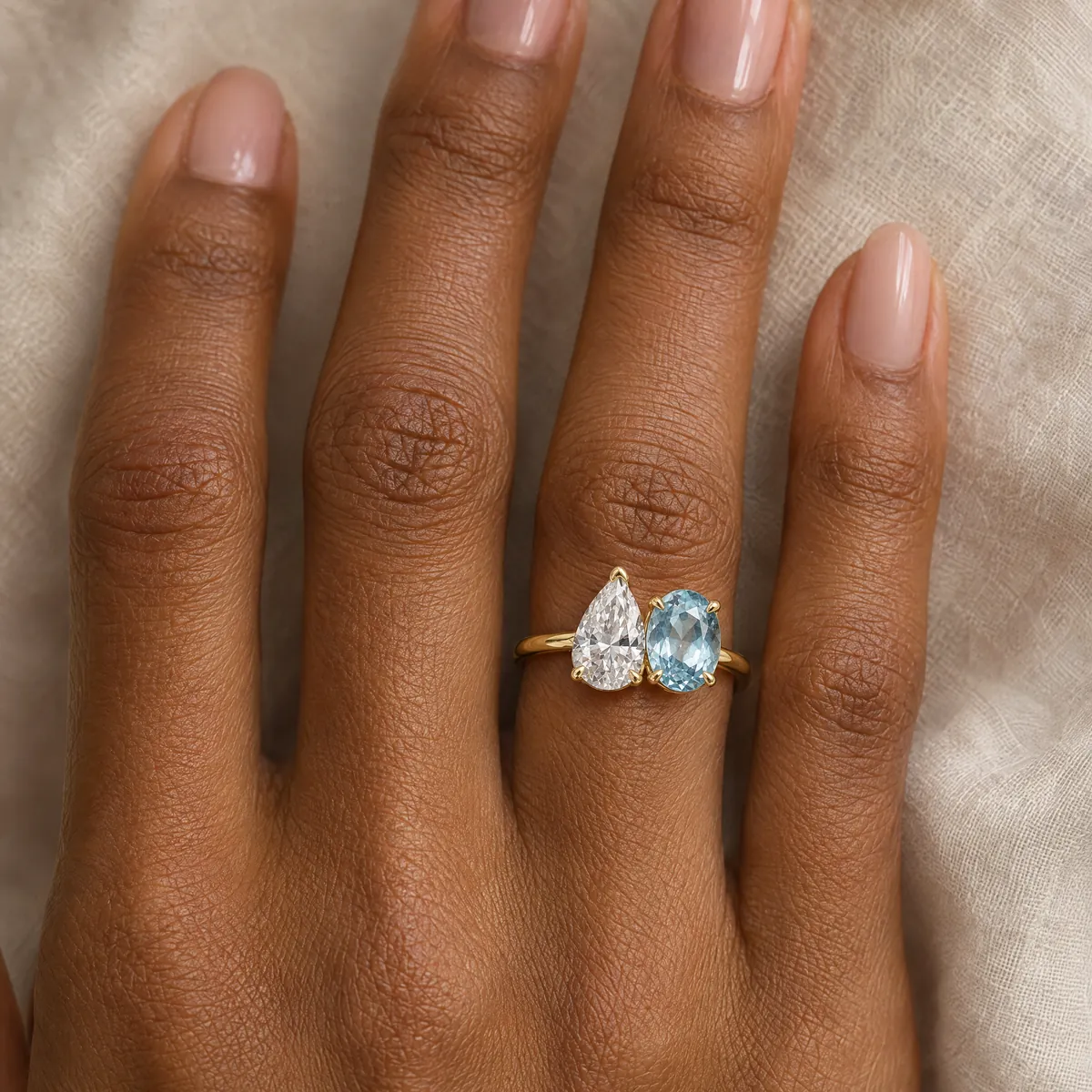
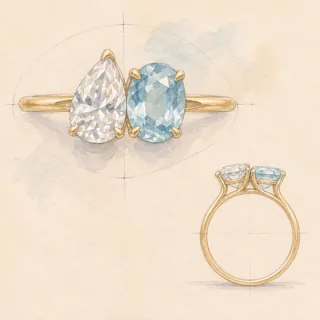
Try-onToi-et-moi ring with a pear diamond and an aquamarine, on the hand
What makes a good sketch reference
The studio reads shapes, proportions and stone settings from your drawing, so the clearer the lines, the closer the result. A finished rendering is not needed: a quick concept sketch works, as long as the whole piece is drawn.
- Draw the whole piece, including the back of a ring band or the clasp of a necklace if it matters to the design.
- Show the piece from the angle that explains it best. A second view on another image helps with depth.
- Add colour, or name the metal and stones in the notes: “yellow gold, pear-cut blue sapphire, diamond halo”.
- Crop out other drawings on the page, so each image shows one piece.
What the AI keeps, and what it adds
Pronglight keeps the design you drew: the shape of the piece, its stones and how they are set. It adds what a sketch leaves out, such as real metal, light, reflections, a backdrop or a model wearing the piece.
Because the image is generated, small details can differ from your drawing, such as the exact number of stones in a halo. Check each image before you show it to a client or use it to sell, and generate again with a note if something is off.
Who turns sketches into photos
Independent designers can test an idea on social media before casting it. Bespoke jewellers can send a client a realistic preview instead of a drawing. Brands can plan a collection and brief their photographers with images of pieces that are not made yet.
Questions about sketch to photo.
Yes. Upload a photo or scan of your sketch and Pronglight generates a photorealistic image of the piece as a product shot, try-on image, lifestyle scene or campaign shot. It uses your drawing as the design and adds the metal, light and setting.
No. Pencil sketches work. If the drawing has no colour, the studio asks you to name the metal and stones in the notes, for example “white gold with a green emerald”.
It follows your design closely, but a generated image can differ in small details such as stone count or proportions. Review each image before you use it, and generate again with a note if something needs to change. A new attempt costs credits again; a generation that fails returns its credits automatically.
Yes. Choose Try-on and pick the model and skin tone. Rings are shown on the hand, earrings on the ear, necklaces and pendants at the neckline, bracelets on the wrist and brooches on a lapel.
You do. As between you and Pronglight, you own the images generated for you and can use them commercially, for example on your website, in listings or in ads.
A High quality image costs 1 credit and a Max quality image costs 2. The Free plan gives you 10 credits every month with no card needed, and paid plans add more credits each month.
More ways to photograph your jewellery.
Your next collection, photographed today.
Create an account and get 10 credits, enough for ten High quality images. No card needed.