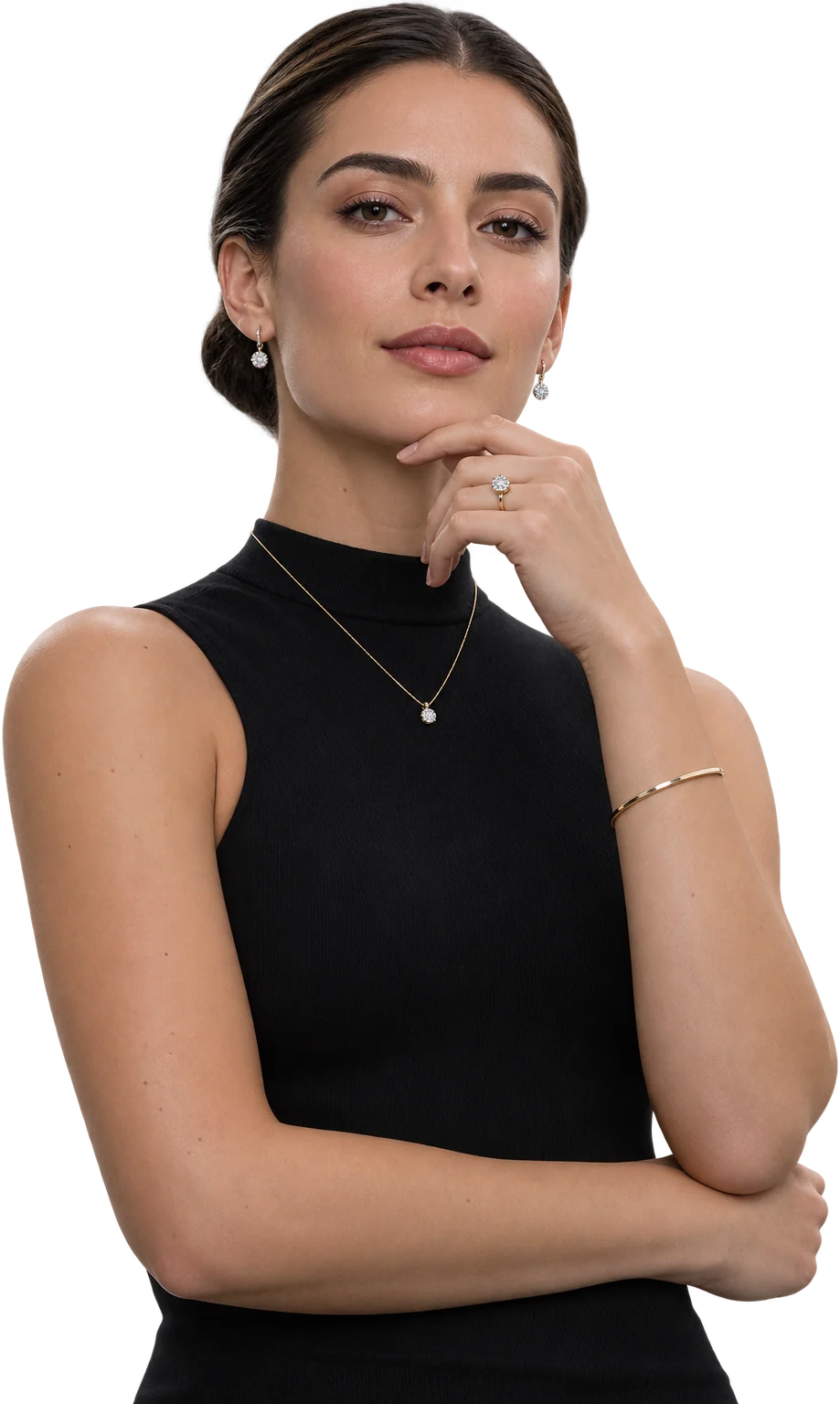
Show your jewellery on a model, without a photoshoot.
Customers want to see how a piece looks when it is worn. Upload a photo, sketch or CAD render of your jewellery and Pronglight places it on a model, at true scale and where it naturally sits.
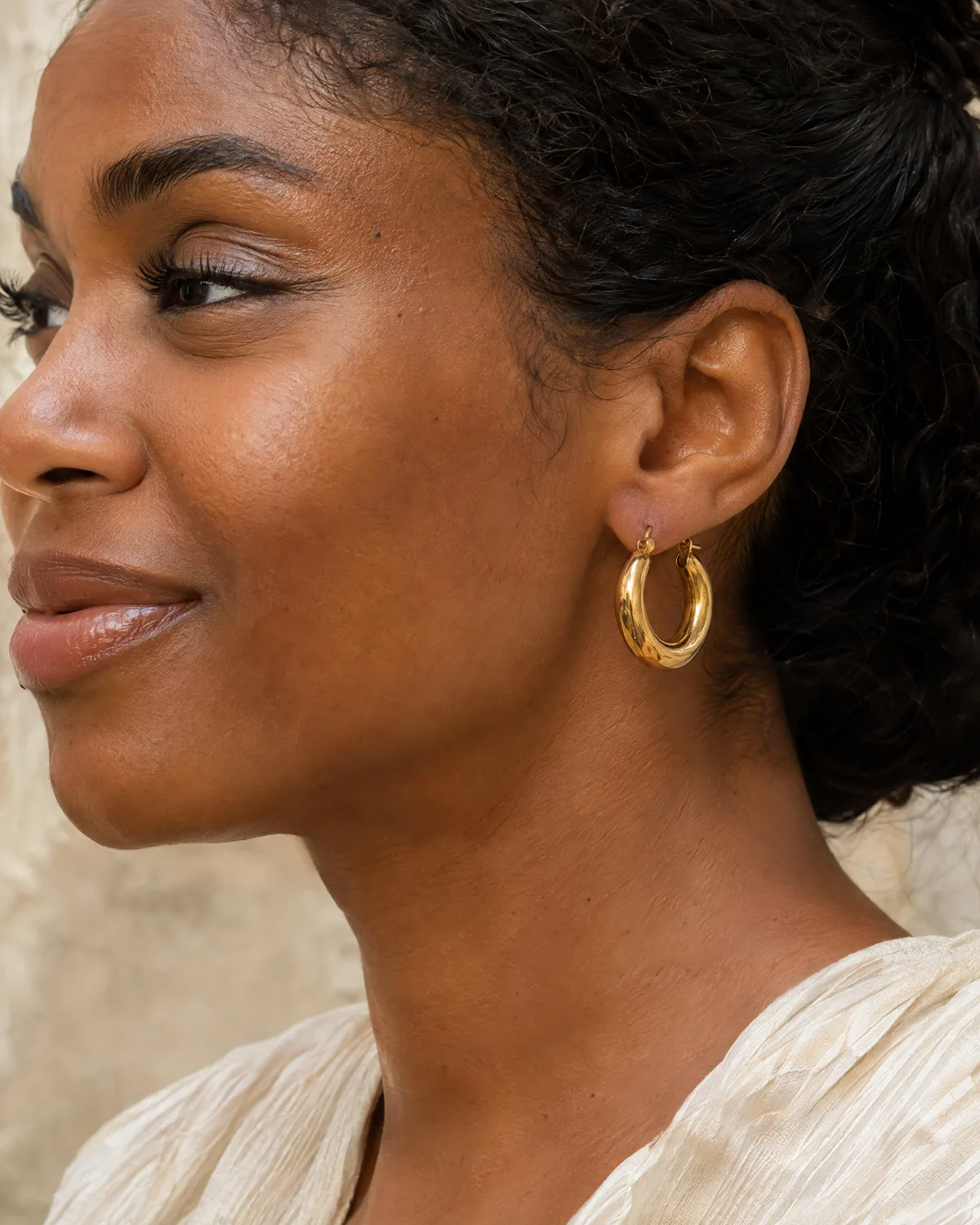
A try-on image in three steps.
- Upload your pieceA product photo, a phone snapshot, a sketch or a CAD render. Only the jewellery is used: people, backgrounds and lighting in your images are not copied.Open the studio
- Choose the modelPick a woman or a man and one of four skin tones. The studio reads what kind of piece it is and frames the shot to suit it.Open the studio
- Generate and checkEvery try-on is inspected before you see it. If the hand looks wrong or the piece is not worn properly, it is made once more, and if that fails too your credits come back.Open the studio
Every kind of piece, worn.
Each image was made in the studio from the reference pinned in its corner, with no retouching.
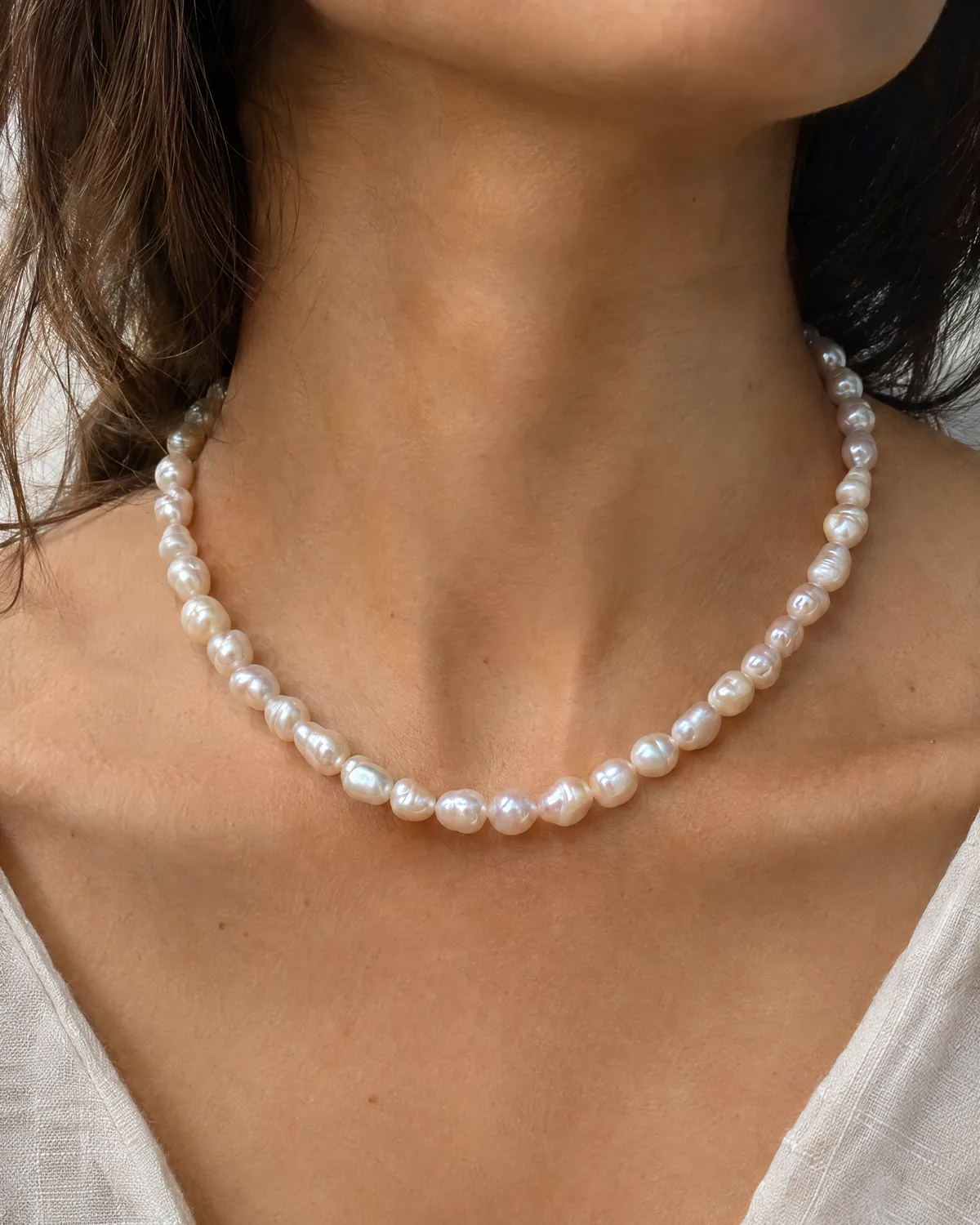
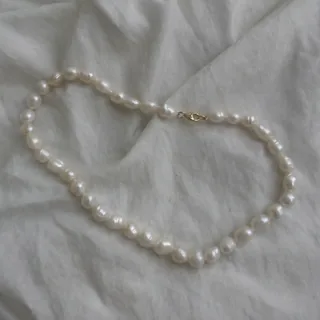
Try-onFreshwater pearl necklace resting on the collarbone 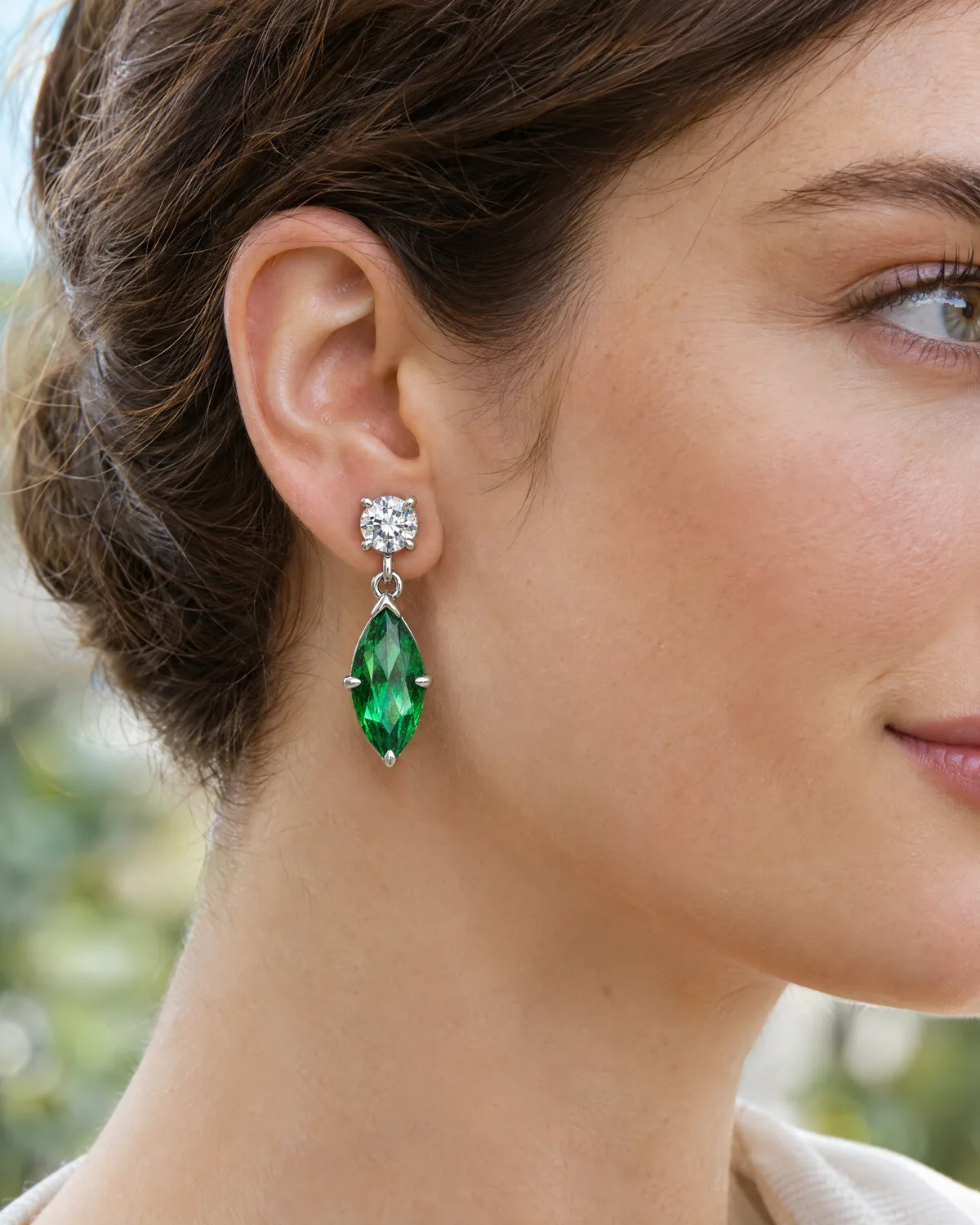
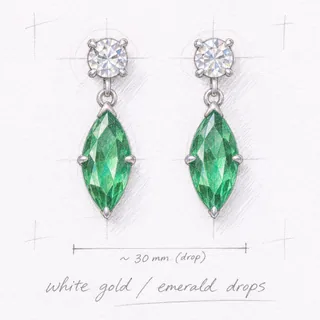
Try-onEmerald drop earrings in white gold, worn
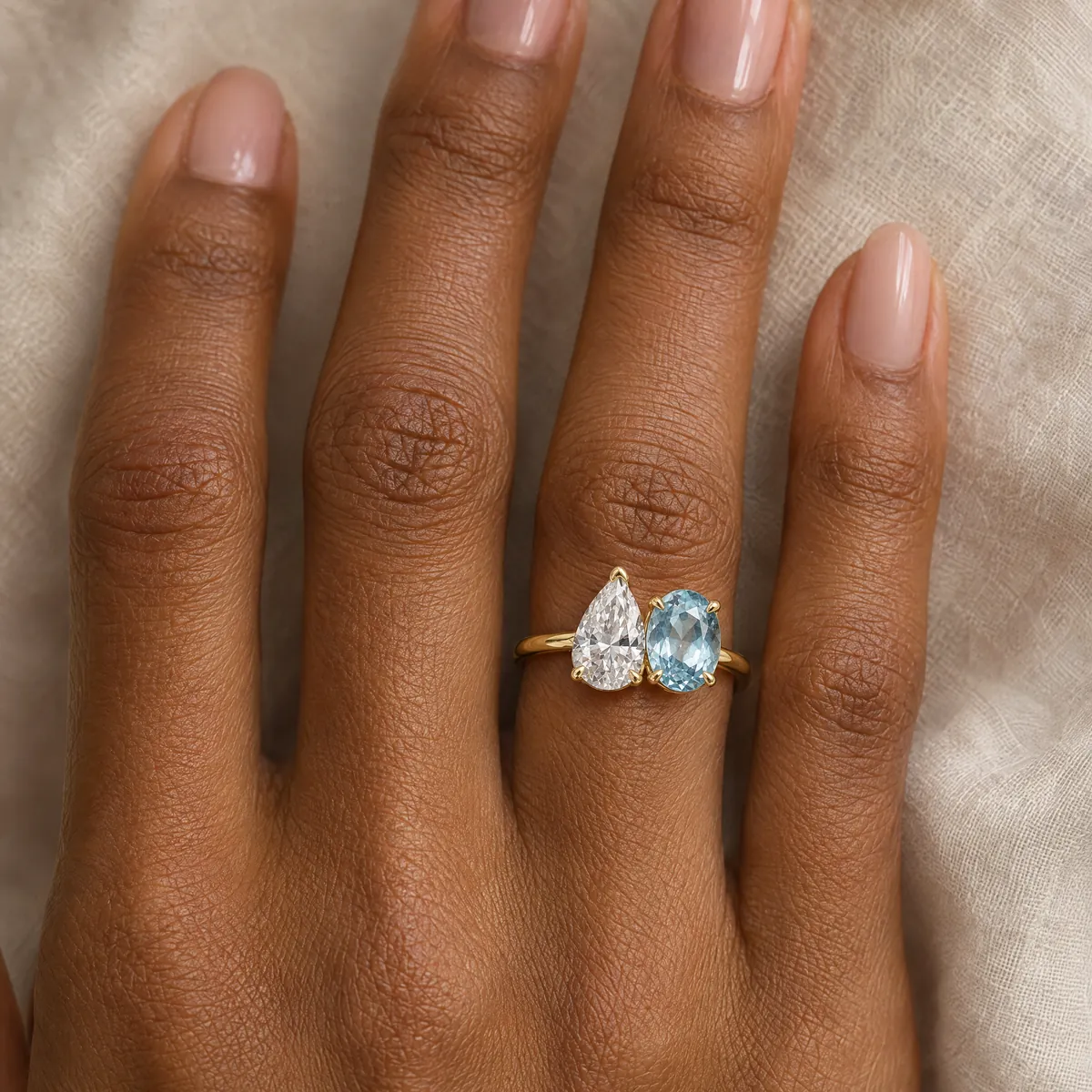
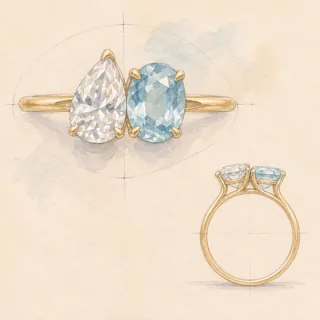
Try-onToi-et-moi ring with a pear diamond and an aquamarine, on the hand 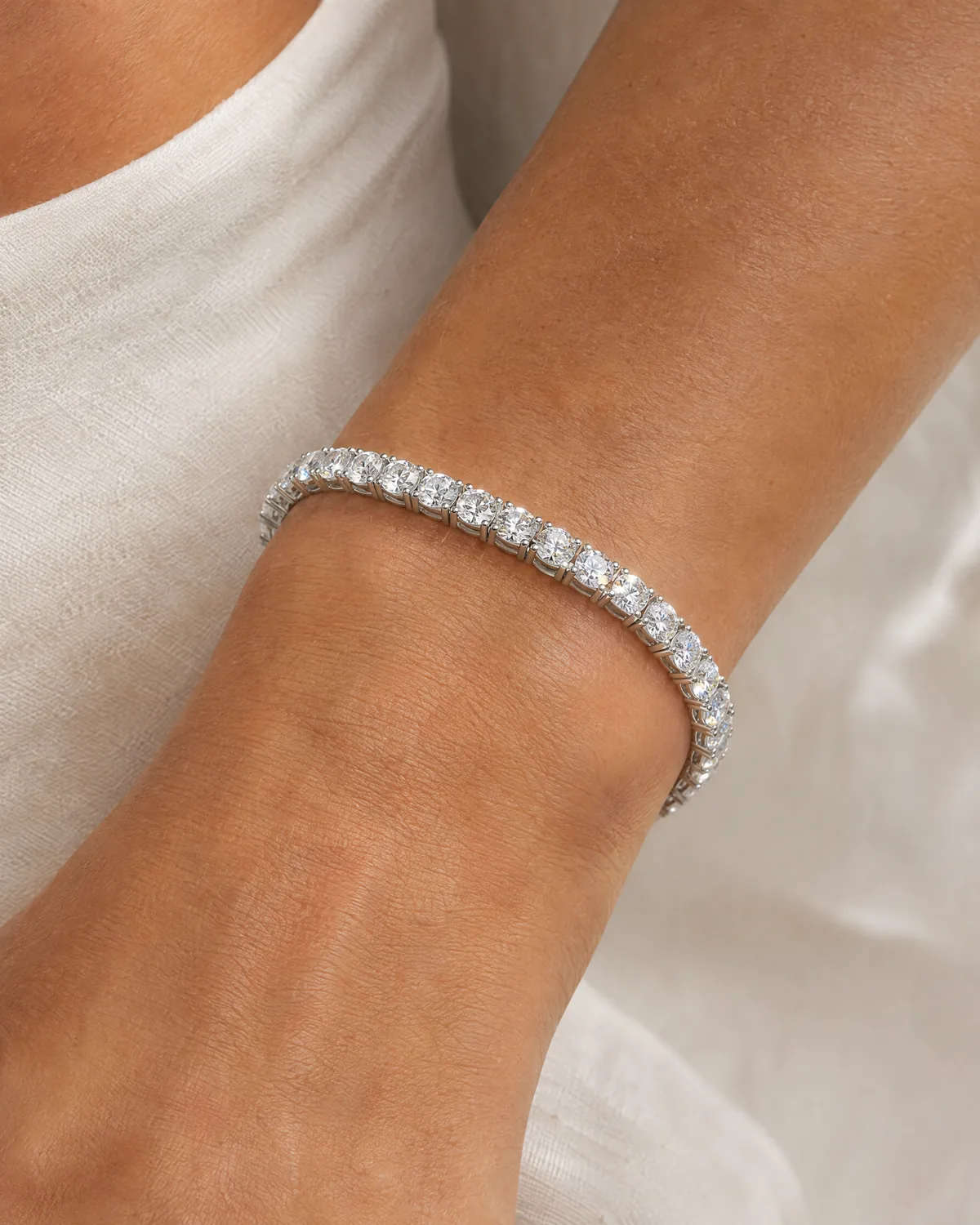
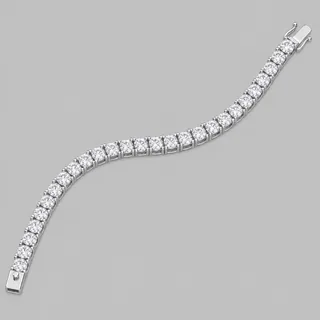
Try-onDiamond tennis bracelet on the wrist
How each piece is worn
Image models tend to paste jewellery onto skin. Pronglight describes how each type of piece really sits on the body, so the result looks worn rather than placed.
- Rings sit on the lower part of the ring finger, the band wrapping around it, with the hand seen from above.
- Earrings hang from the lobe under gravity, seen in a three-quarter profile with the hair tucked back.
- Necklaces rest on the collarbone and follow the curve of the neck; pendants hang at the centre of the chest.
- Bracelets sit loosely just above the wrist bone, and brooches are pinned to a jacket lapel.
Why shoppers want to see jewellery worn
A piece on a white backdrop shows the design. The same piece on a hand or an ear shows its size and helps a shopper picture wearing it. Try-on images work on product pages, in marketplace listings and in social posts, next to a clean product shot.
More looks, no extra shoots
Show the same piece on a woman or a man and on four skin tones by changing one setting, instead of booking a model for each look. Add a note to ask for other changes, such as hair or clothing.
Questions about jewellery try-on.
Yes. Upload a photo, sketch or CAD render of the piece, choose Try-on and pick the model. Pronglight generates a new photograph of a model wearing it.
Rings, earrings, necklaces, pendants, bracelets and brooches. The studio reads the type of piece from your images and frames each one where it is worn.
You can choose a woman or a man, with a fair, medium, tan or deep skin tone. For other changes, such as hair or clothing, add a note.
Every try-on is inspected before delivery. A shot with a malformed hand or a piece that is not worn properly is made again once. If the second attempt fails too, the job fails and its credits are returned.
The studio asks for the piece at true scale and frames rings from the knuckles to the fingertips, because a closer crop makes rings look larger than life. Check the scale before you publish, especially for very small or very large pieces.
Yes. You own the images generated for you and can use them commercially. If you sell with them, make sure they show the piece accurately and follow local rules on labelling AI-generated images.
More ways to photograph your jewellery.
Your next collection, photographed today.
Create an account and get 10 credits, enough for ten High quality images. No card needed.